Who is Revisit for?
Anyone moving between projects, apps, ideas, or AI agents. That includes developers, designers, students, and people who have only just started building.
What do I get for free, and what needs Pro?
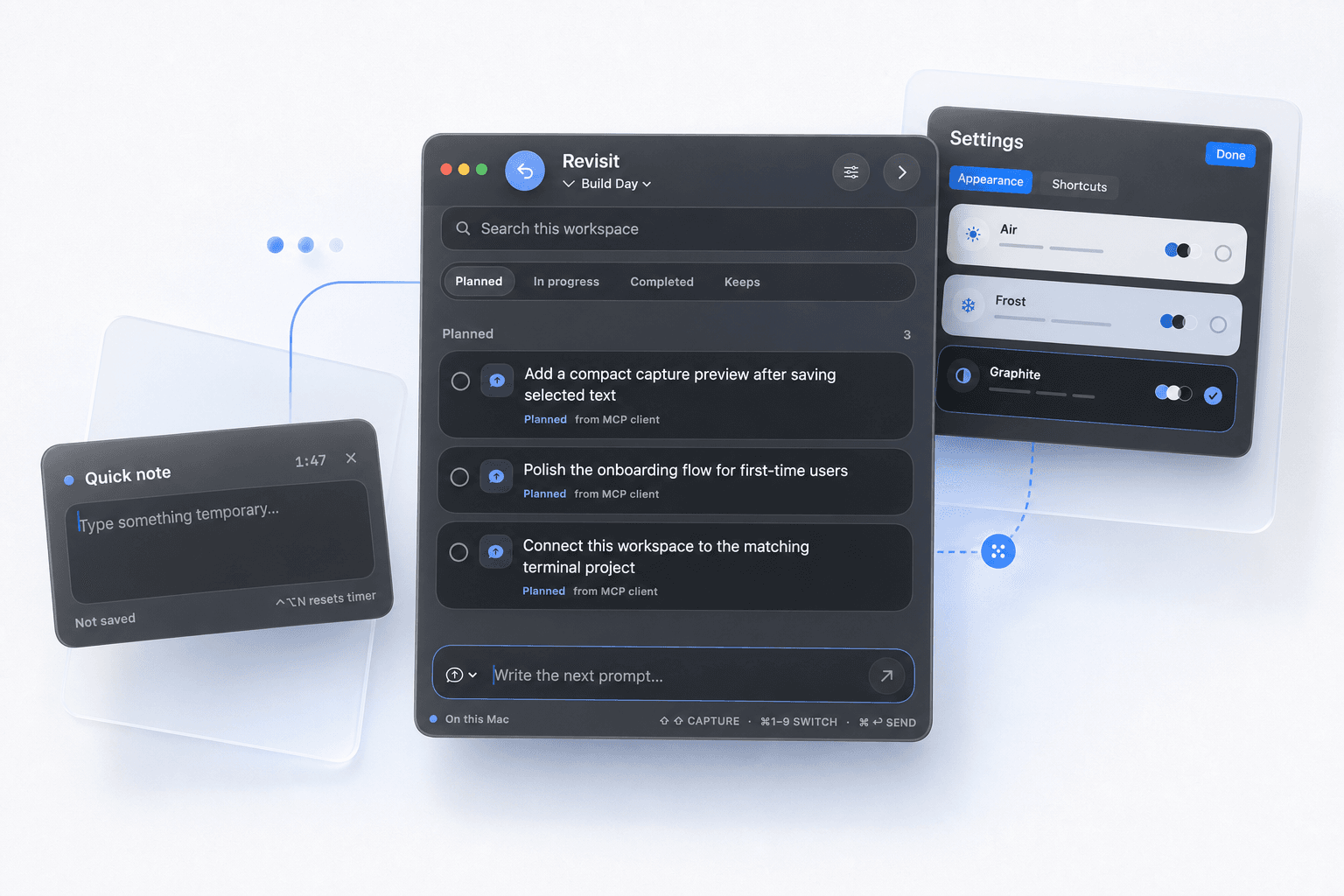
Capture, workspaces, the board, search, quick notes, and sticky notes are free and always will be. Revisit Pro unlocks the MCP connection to your coding agents and lets you choose your own shortcuts. Every install starts with seven days of Pro, so you can try the part that costs money before paying for it.
How does the MCP connection work?
Revisit includes an MCP server that lets compatible coding agents read, create, and update captures in a workspace you choose. It is part of Revisit Pro, and connecting Claude Code, Codex, or Claude Desktop takes one click in Settings.
Is Revisit Pro a subscription?
No. It is a single payment that covers three of your Macs, and the app keeps working offline once activated. Activation sends a hashed identifier for your Mac and nothing else — never your notes.
Does Revisit send my notes anywhere?
No. The Mac app stores its data locally and has no sync or analytics service.
Which Macs are supported?
The current release supports Apple silicon Macs running macOS 14 or newer.
Why does it need Accessibility permission?
macOS requires that permission to read text you deliberately select in another app and to support global shortcuts.